
SolTrace (Beta Version)
SolTrace (Beta Version) offers new features and a more user-friendly experience. This includes GPU-accelerated ray tracing, integration of Intel's Embree high-performance ray tracking library, and a completely overhauled user interface.
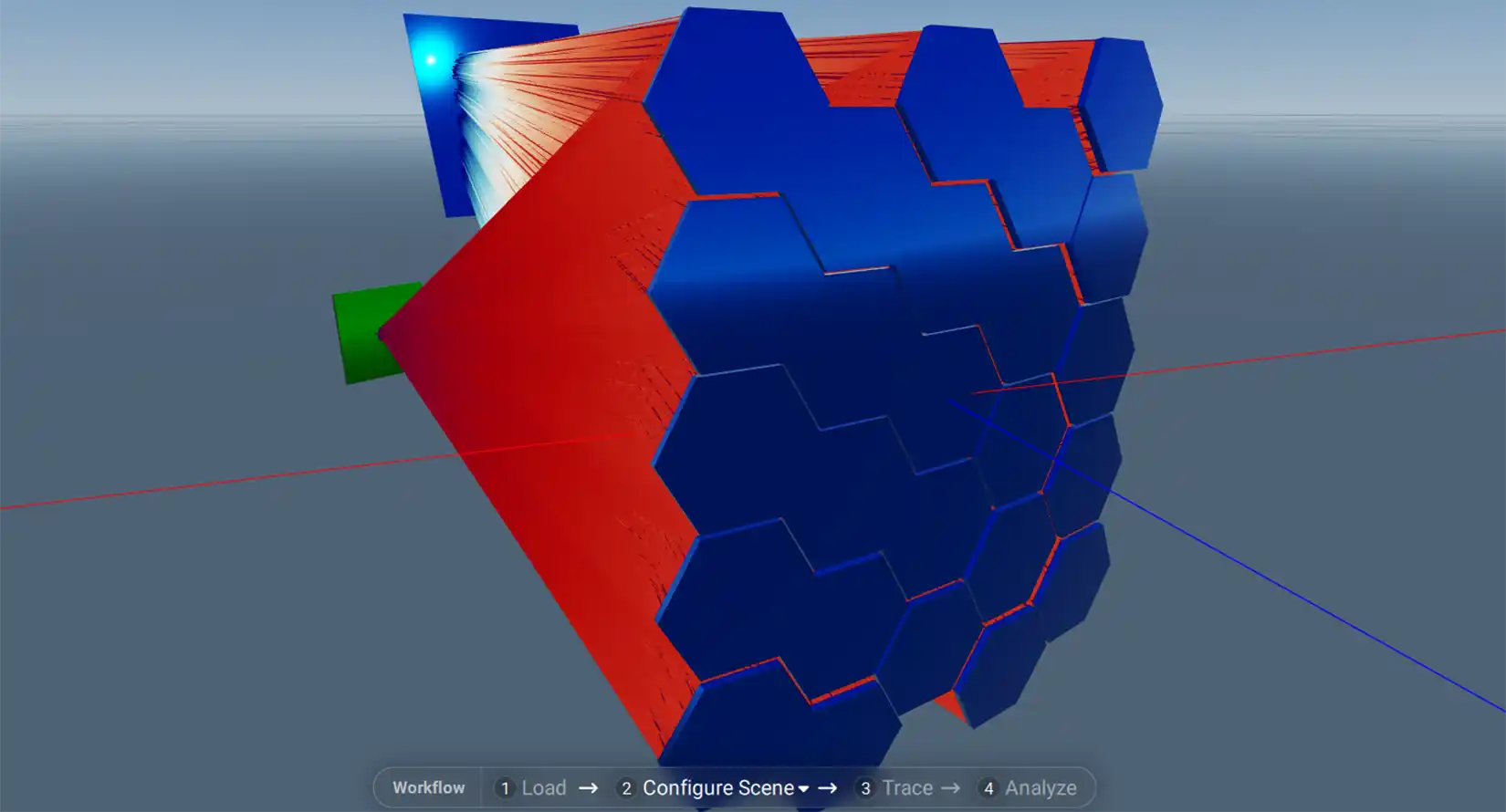
Find everything you need to launch CSP (Beta Version) and learn how to report issues and feedback.
The SolTrace (Beta Version) installers are available on the SolTrace v4.0.0-beta GitHub release page under Assets. Installers are available for Windows, Linux, and macOS.
Windows and Linux each have two installer options: With GPU support and without GPU support. The GPU-enabled installers are identified by "OptiX" in the installer name and require an NVIDIA GPU.
Important: The installers are currently not digitally signed, so you may receive a security warning from your operating system during installation. This is expected for the Beta release.
Please keep in mind that this is a Beta release. We are particularly interested in your feedback on the new user interface, workflow, performance, and any bugs or unexpected behavior you encounter.
We recommend spending at least 15 minutes to 1 hour working with the new SolTrace interface before submitting feedback. A few example files are provided on GitHub to help you get started (Load->Examples), including:
- High Flux Solar Furnace.stinput
- Power-tower-surround_singlefacet_large_afternoon_with-tower.stinput.
Please note that some of the provided legacy examples will not work in the current Beta Version because not all legacy SolTrace element types are supported.
One significant change in the new version is that the legacy stages have been removed from the user interface. The full scene is now contained within a single stage.
The good news is that legacy .stinput files can be imported into the new version. However, files using unsupported legacy element types may not import or run correctly.
A key change in this release is the global coordinate system definition.
- Legacy system
- X-axis points west
- Y-axis points zenith
- Z-axis points north
- New system
- X-axis points east
- Y-axis points north
- Z-axis points zenith
We are working on an option to automatically rotate legacy .stinput files into the new global coordinate system to simplify migration and ensure consistency.
We are actively working on an updated Python API to support the new architecture and improve scripting workflows. In addition, we are planning to release regular updates to address bugs, improve stability, and introduce new usability and workflow enhancements based on user feedback.
Please submit SolTrace (Beta Version) bugs and other issues through the SolTrace GitHub issue tracker.
A list of known GUI issues and potential enhancements is available on GitHub.
We would also appreciate your broader feedback on SolTrace (Beta Version) through our Microsoft evaluation form.
For general SolTrace (Beta Version) discussions, questions, and community feedback, please use the dedicated GitHub discussion thread.
When reporting a SolTrace (Beta Version) issue, please provide as much detail as possible, including the steps needed to reproduce the problem and, when applicable, the .stinput file that produced the issue.
Share

Last Updated Sept. 30, 2026